
Blog
-
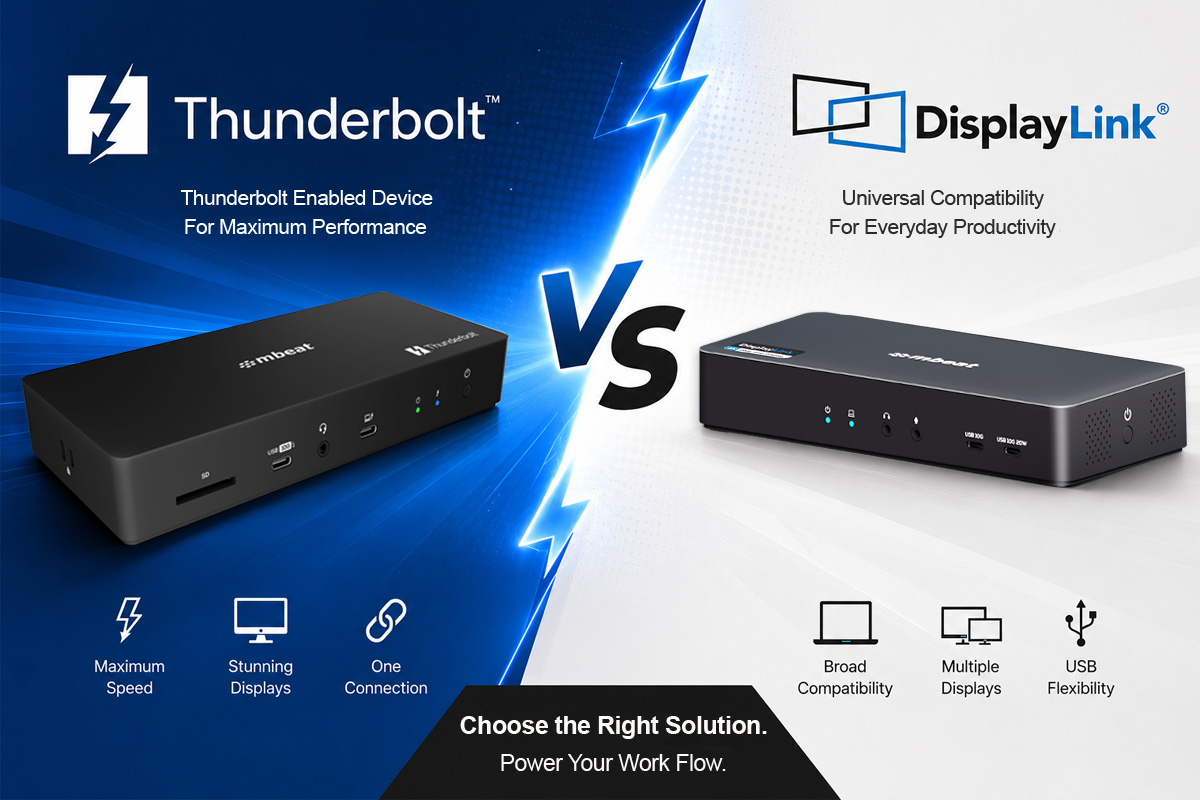 26 MayYou are shopping for a docking station and two product types keep appearing: Thunderbolt 4 docks and DisplayLink docks. Both plug into USB-C. Both promise more screens and a cleaner desk. But they work in completely different ways and choosing the wrong one for your setup will leave you frustrated. This guide explains how each technology works, where each excels, and exactly how to decide.
 -
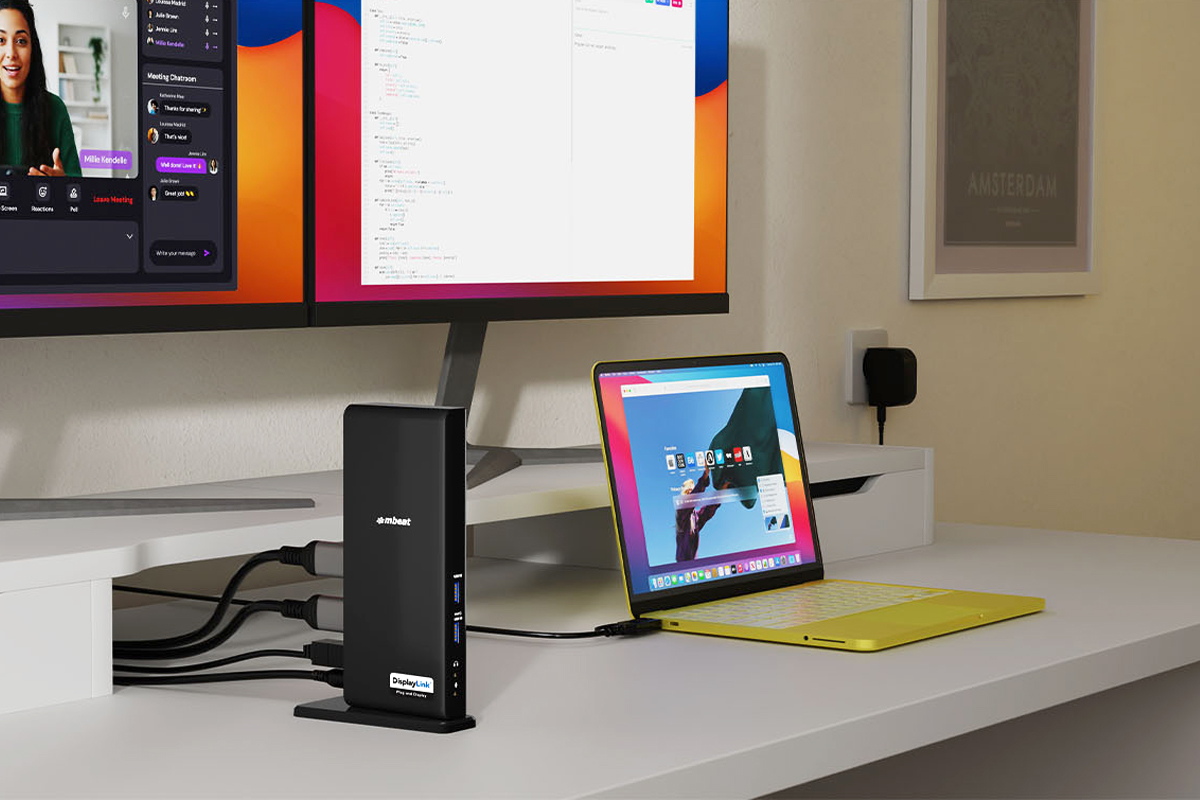 03 MayMacBook Neo natively supports only one external monitor. If you have been searching "how to connect a second monitor to MacBook Neo" or "why won't my Mac drive two screens" — this guide has your answer. We explain exactly how DisplayLink technology bypasses Apple's hardware display limit and which mbeat certified dock or adapter to choose, in plain English.
 -
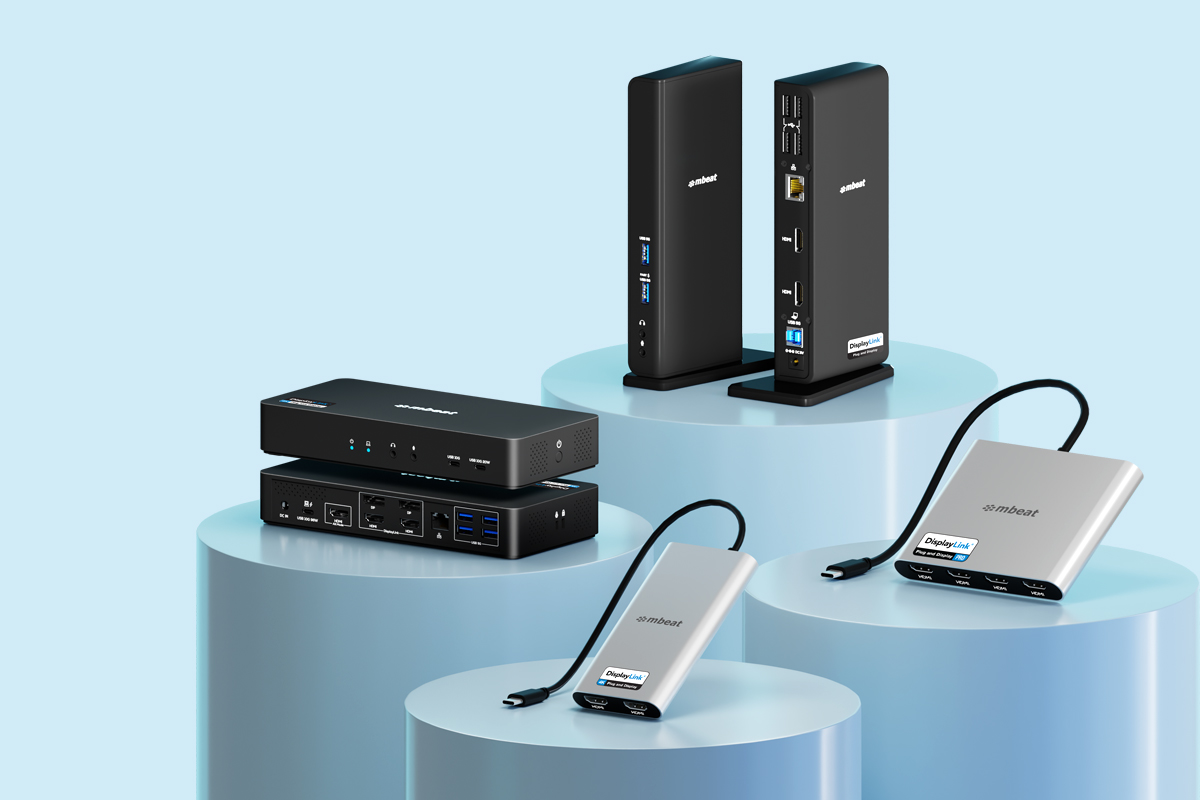 30 AprYou have decided you need a DisplayLink product. But then you notice some are labelled "Plug and Display", some say "4K", and others carry a "PRO" badge. What is the difference? We explain exactly what each certification tier means, which one is right for your setup, and how mbeat's range maps to each tier.
 -
 14 AprUSB-C, DisplayPort Alt Mode, MST, DisplayLink — when you are shopping for a multi-monitor setup, these terms get thrown around constantly. But what do they actually mean, and which one is right for your laptop? We cut through the jargon and explain each technology in plain English, including why DisplayLink is often the best choice for Mac and mixed-device workplaces.
 -
 06 AprStruggling to connect two monitors to your Mac or laptop? You're not alone — Apple Silicon Macs natively support just one external display. DisplayLink is the certified technology that fixes this, letting you run dual, triple, or quad monitors from a single USB-C connection on any device and any OS. In this plain-English guide, we explain exactly how DisplayLink works, why certified products matter, and how mbeat's locally supported range solves this for home offices, IT teams, and enterprises across Australia.
 -
 09 MarIf you've got a spare M.2 SSD sitting in a drawer — or you regularly swap, clone, or back up drives — the mbeat H1 Mini Dock is the simplest way to access it. No screws, no tools, just drop your NVMe or SATA M.2 drive in, plug into USB-C, and transfer at up to 10Gbps. Hot swap ready, works on Windows and Mac, and under $40 with an Australian warranty. This post covers what it does, who it's for, and whether it belongs on your desk.
 -
 04 JanWorking from home or studying on a laptop? Poor screen height is one of the most common causes of neck and back strain. mbeat Stage laptop stands raise your screen to eye level — and the S12, S9 and P6 models go further by combining the stand with a built-in USB-C dock, so you can connect your monitor, charge your laptop, and clear your desk clutter with a single cable.
 -
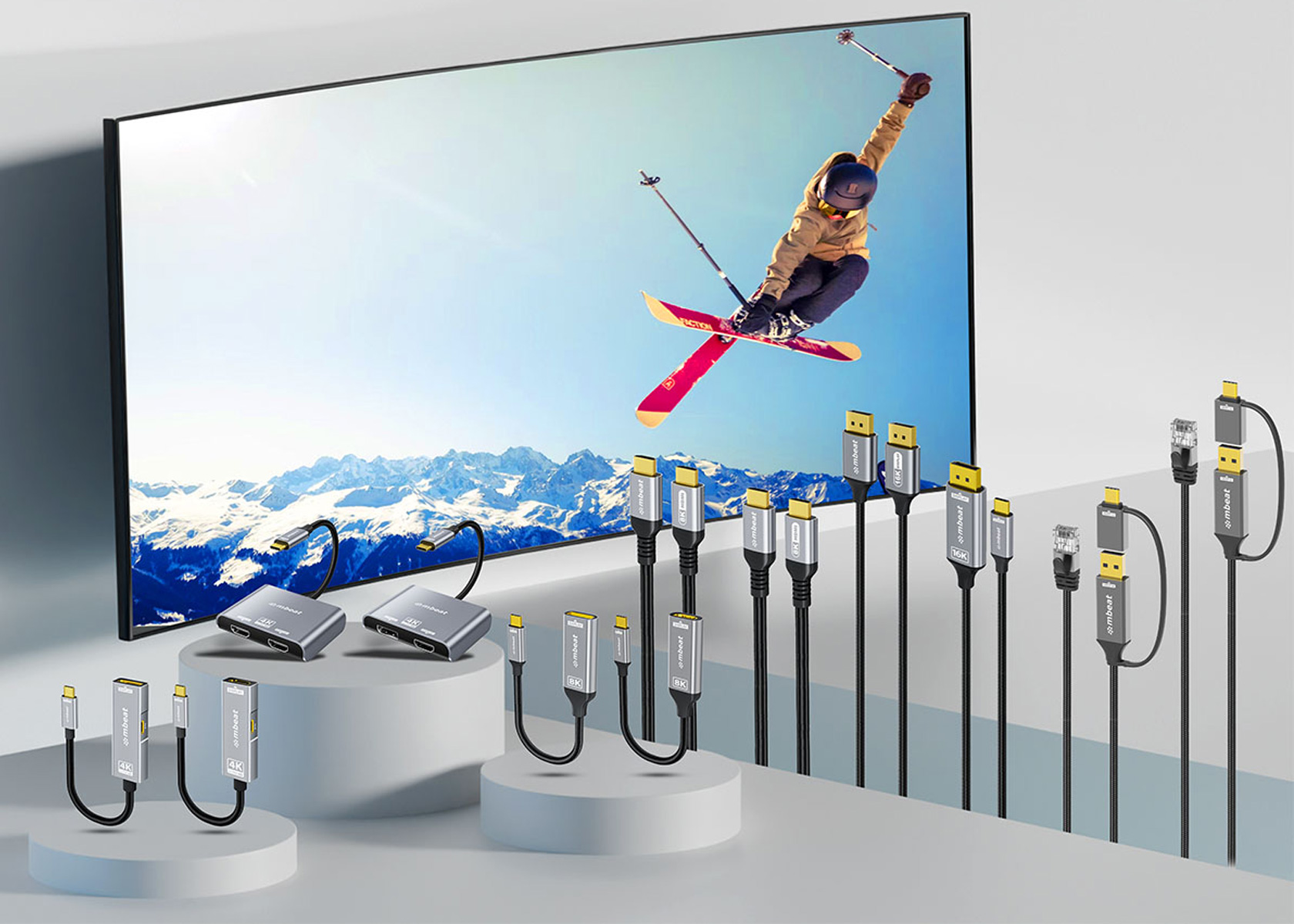 20 Novmbeat’s Tough Link range delivers ultra-durable, high-bandwidth cables and adapters supporting 4K, 8K, and future 16K displays. Built with braided armour and aluminium housings, they ensure stable, crystal-clear video for gaming, creative work, and professional setups. Tough Link offers reliable, future-proof connectivity for modern devices and high-performance environments.
 -
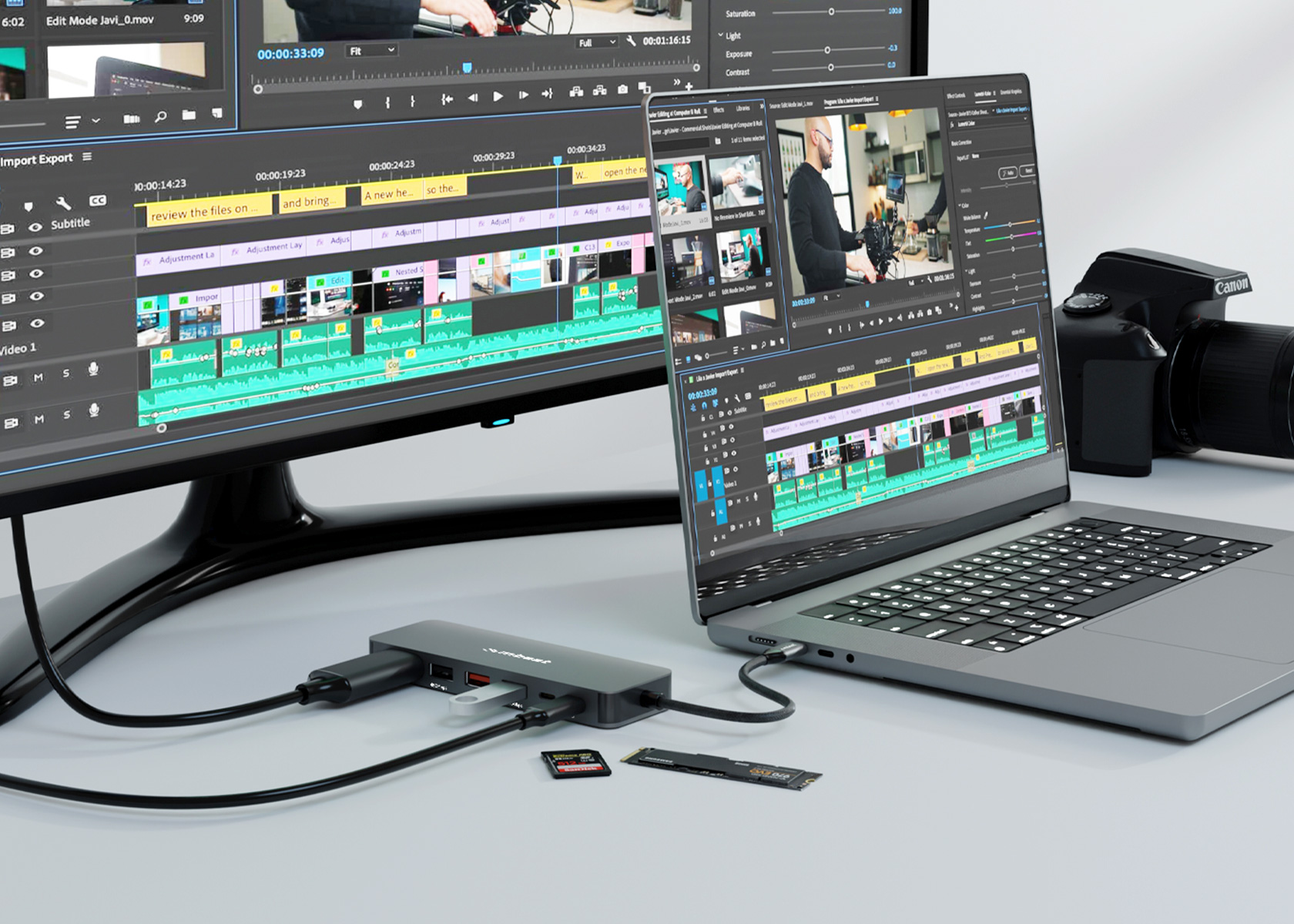 30 OctThe mbeat MB-UCD-HS9 9-in-1 USB-C Multiport Hub combines connectivity, storage, and power in one compact device. Featuring 4K HDMI, three 10Gbps USB ports, SD/microSD slots, M.2 NVMe SSD enclosure, and 100W PD pass-through, it lets professionals transfer large files, expand storage, and connect multiple peripherals seamlessly. Ideal for remote work, creative projects, and mobile productivity.
 -
 10 MayThe mbeat Stage S8 Laptop Stand (MB-STD-S8GRY) combines a durable aluminium frame, adjustable height up to 33 cm, and a 360° rotating base for ergonomic comfort. Stay cool with a quiet fan, add style with vibrant RGB lighting, and expand connectivity via two USB 2.0 ports. Ideal for home or office, it enhances productivity and keeps your laptop performing at its best.
