
DisplayLink Plug and Display vs 4K vs PRO: What the Badges Really Mean?
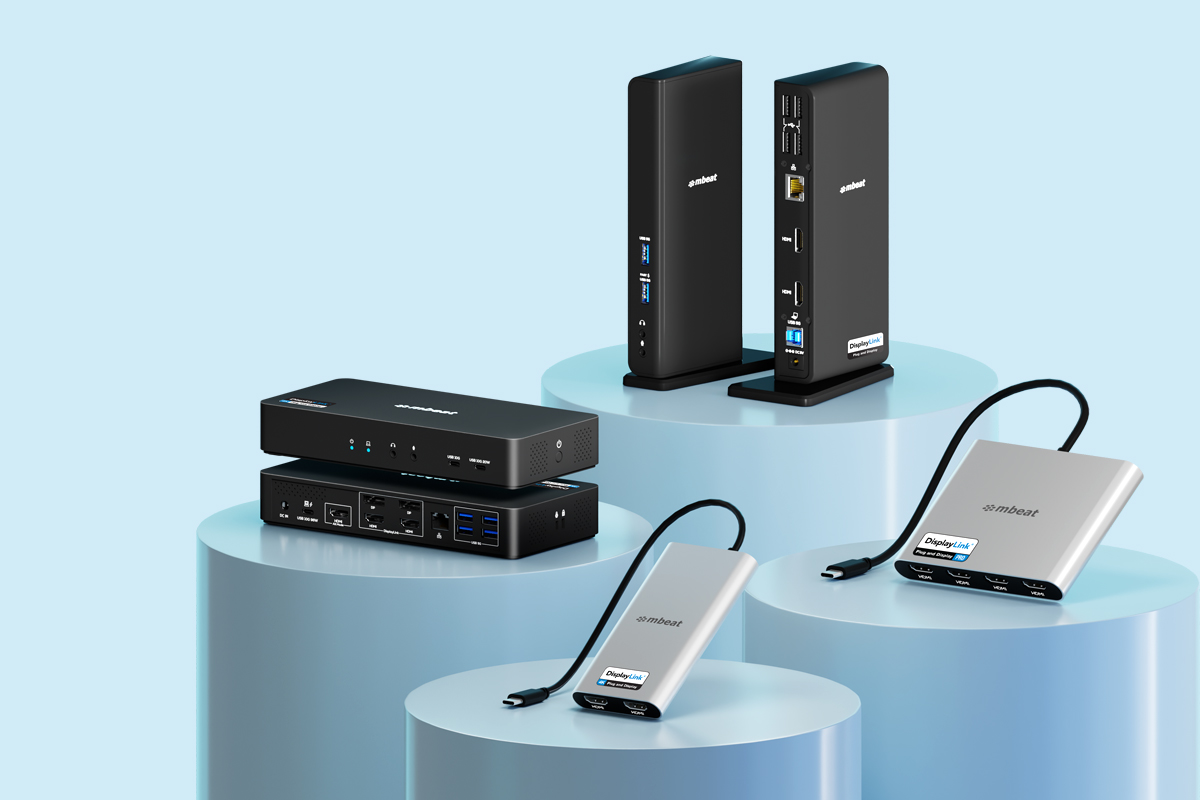
DisplayLink Plug and Display vs 4K vs PRO — What the Badges Really Mean
You have decided DisplayLink is the right technology for your multi-monitor setup. Smart choice. But now you are looking at the product range and noticing that some DisplayLink products are labelled “Plug and Display”, some say “4K”, and others carry a “PRO” badge. Are they just marketing tiers? Or do the badges actually mean something?
They mean something. These are official certification tiers defined by Synaptics — the company behind DisplayLink technology — and each tier has specific, tested performance requirements. Choosing the wrong tier will either leave you under-equipped or paying for capability you do not need. This guide explains each tier clearly so you can match the right product to your actual use case.
What Are DisplayLink Certification Tiers?
Synaptics runs the DisplayLink Certified Logo Program — an independent testing and verification scheme that certifies docks and adapters against defined performance standards. Products that pass earn an official badge. Products that do not pass do not carry the badge, even if they use DisplayLink chips.
Why certification matters
Any manufacturer can put a DisplayLink chip into a product. Only products that have been independently tested for compatibility, performance, and driver support earn a certified badge. The badge is your guarantee that the product has been verified to work as described — not just claimed to.
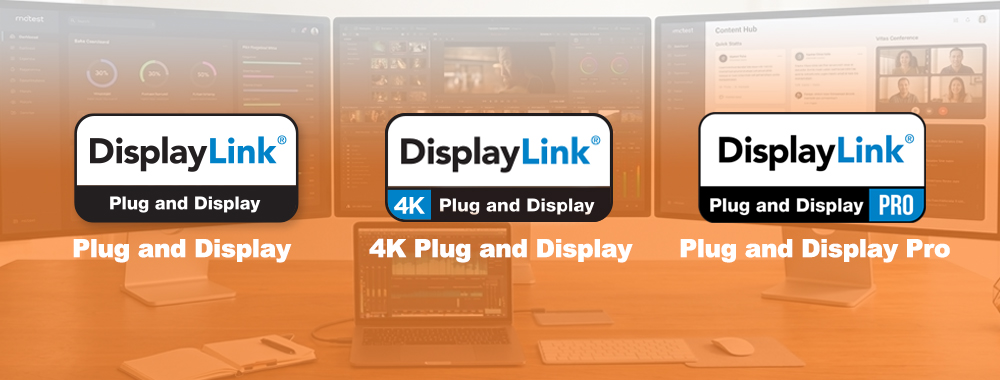
There are three certification tiers in the program:
DisplayLink Plug and Display
Entry-level certified tier. Dual display support at 1080p or 2K. Designed for everyday office use. Works on Mac and Windows.
DisplayLink 4K
Mid-tier certified. Multi-display support at 4K resolution. Ideal for professionals who need crisp, high-resolution screens.
DisplayLink PRO
Top-tier certified. Multi 4K display support combined with high-wattage power delivery and enterprise-grade peripheral connectivity.
DisplayLink Plug and Display — The Essentials Tier
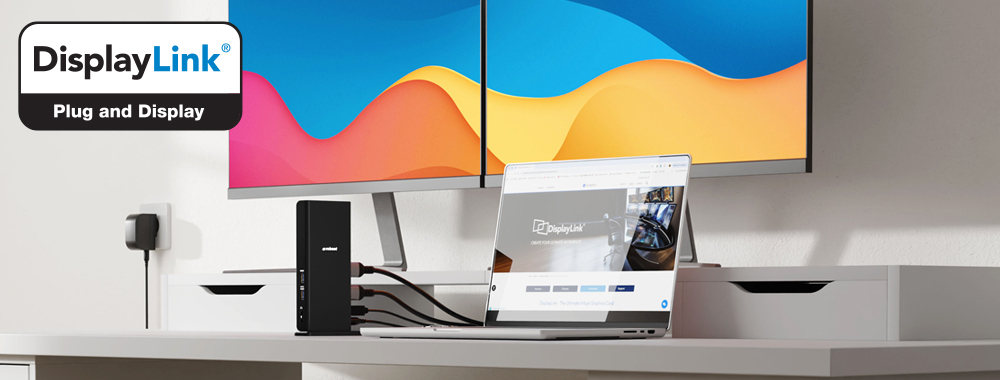
Plug and Display is the entry-level certified tier. It covers products that support dual display output at 1080p or 2K resolution via DisplayLink technology, along with USB hub functionality for peripherals like keyboards, mice, and storage drives.
What it supports
Dual external displays at 1080p@60Hz or 2K@60Hz. USB hub ports for peripherals. Gigabit Ethernet on docking station models. Works on Mac M1/M2/M3 and Windows.
Who it is for
Office workers, admin staff, customer service teams, and anyone running standard productivity apps on two monitors. If your work is email, spreadsheets, video calls, and web browsing, Plug and Display is more than sufficient.
When to step up
If you work with photos, video, design, or data visualisation at high resolution, 1080p may feel limiting on a large monitor. Step up to the 4K tier for noticeably sharper output.
mbeat Plug and Display Certified Product
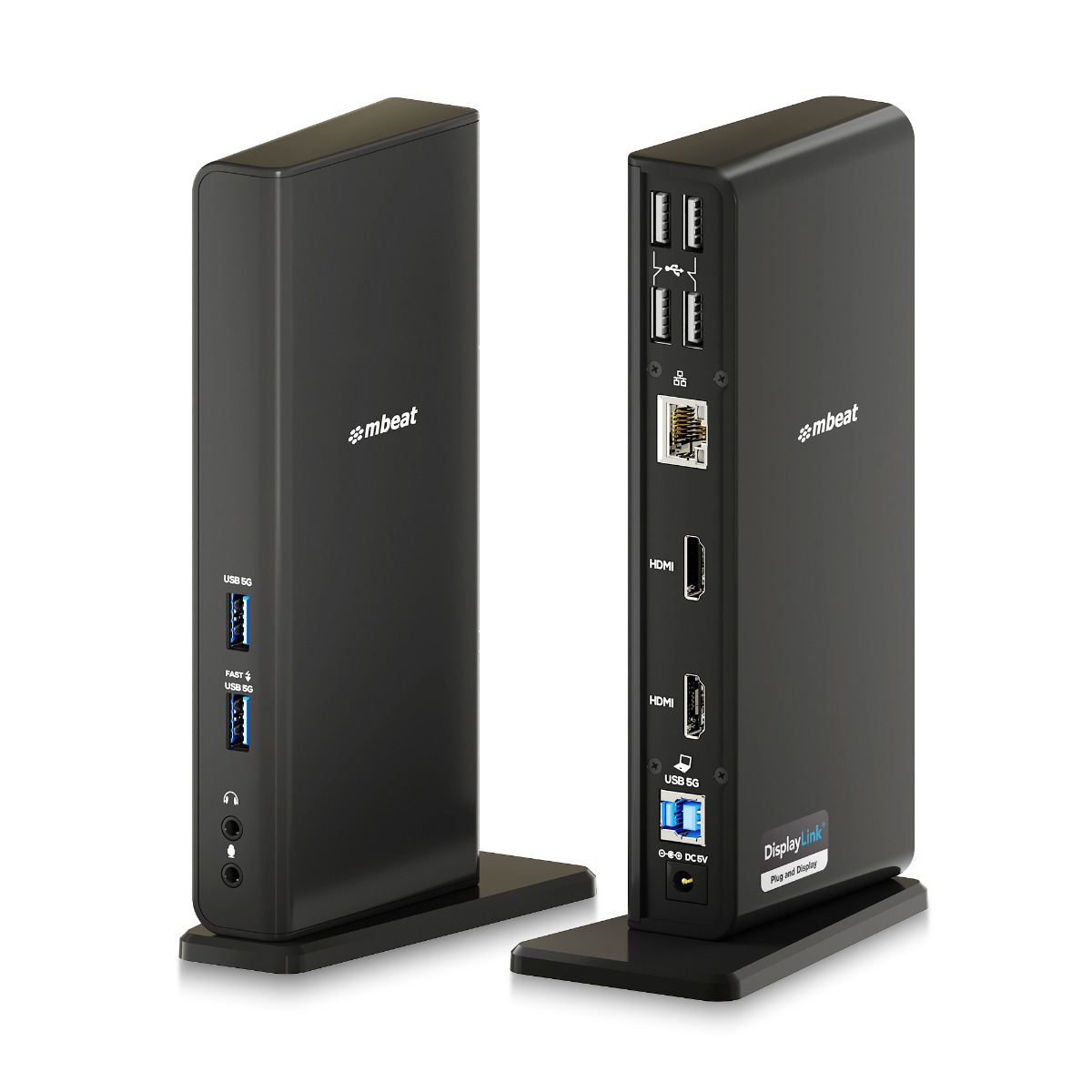
MB-DOCK-DLD20
USB-C/A Dual HDMI DisplayLink® Docking Station
Dual 1080p@60Hz · Mac & Windows · Gigabit LAN · USB-A & USB-C compatible · Plug and Display Certified
View Product →DisplayLink 4K — The High-Resolution Tier
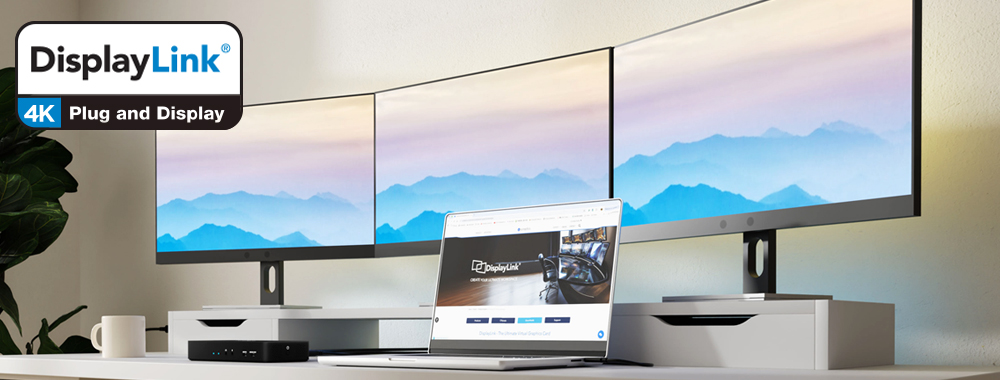
The 4K tier certifies products that support multiple external displays at 4K (3840 x 2160) resolution at 60Hz. This is the tier most professionals with quality monitors should be looking at. The step up from 1080p to 4K on a 27-inch or 32-inch monitor is immediately visible — sharper text, more detail in images, more comfortable to work on for extended hours.
What it supports
Dual or triple external displays at up to 4K@60Hz per screen. USB hub ports. PD Pass-through charging on adapter models. Full extended desktop mode on Mac M1/M2/M3 and Windows.
Who it is for
Designers, architects, engineers, analysts, writers, and anyone using high-resolution monitors. Also ideal for Mac M1/M2/M3 users who want dual 4K monitors — something that is simply not possible without DisplayLink on these chips.
When to step up
If you need three or four 4K monitors, or need high-wattage laptop charging (85W+) and enterprise peripheral ports built into the dock, look at the PRO tier.
mbeat 4K Certified Products
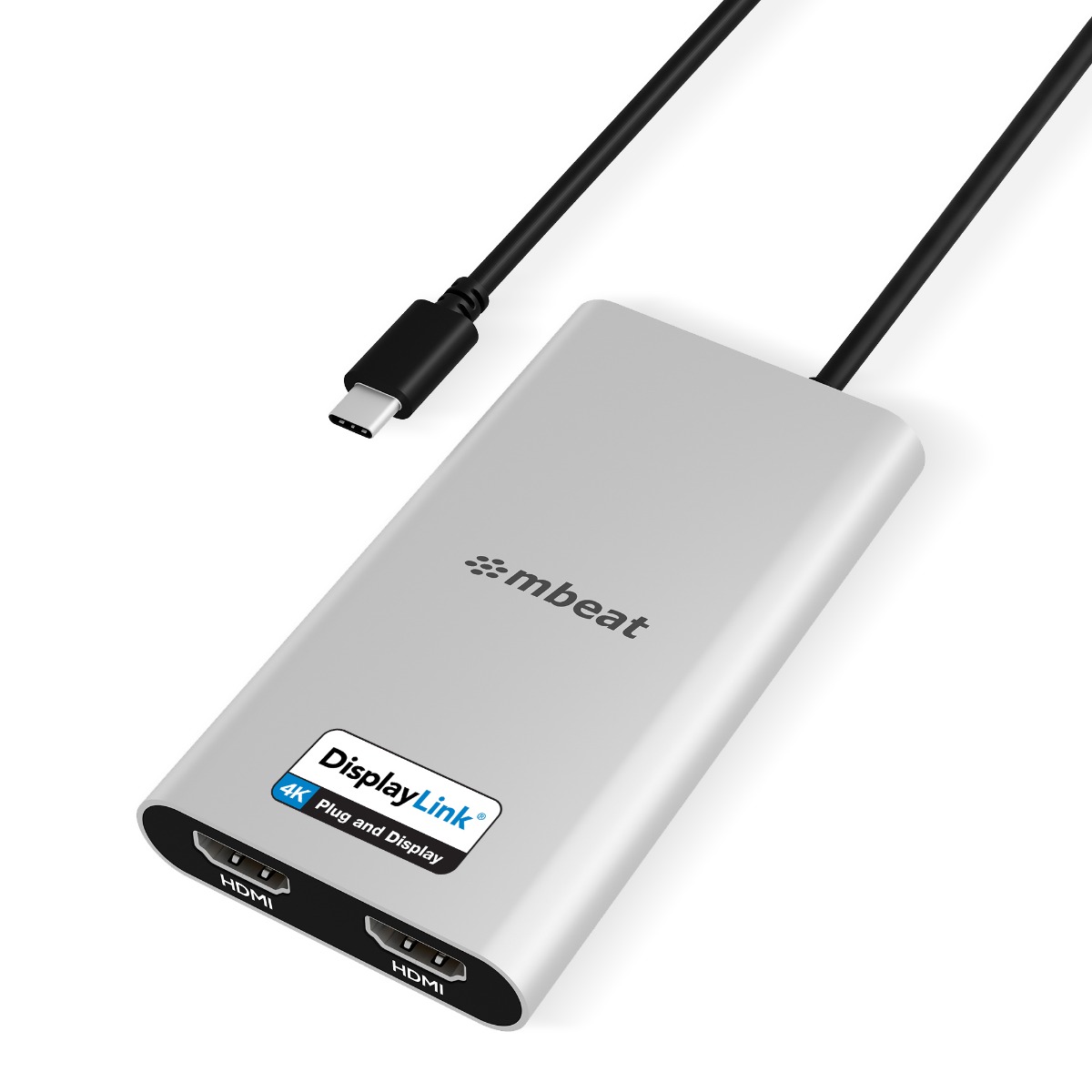
MB-DLA-CD2H
USB-C Dual 4K HDMI DisplayLink® Adapter with PD Pass-through
Dual 4K@60Hz · 90W PD Pass-through · Mac M1/M2/M3 & Windows · 4K Certified
View Product →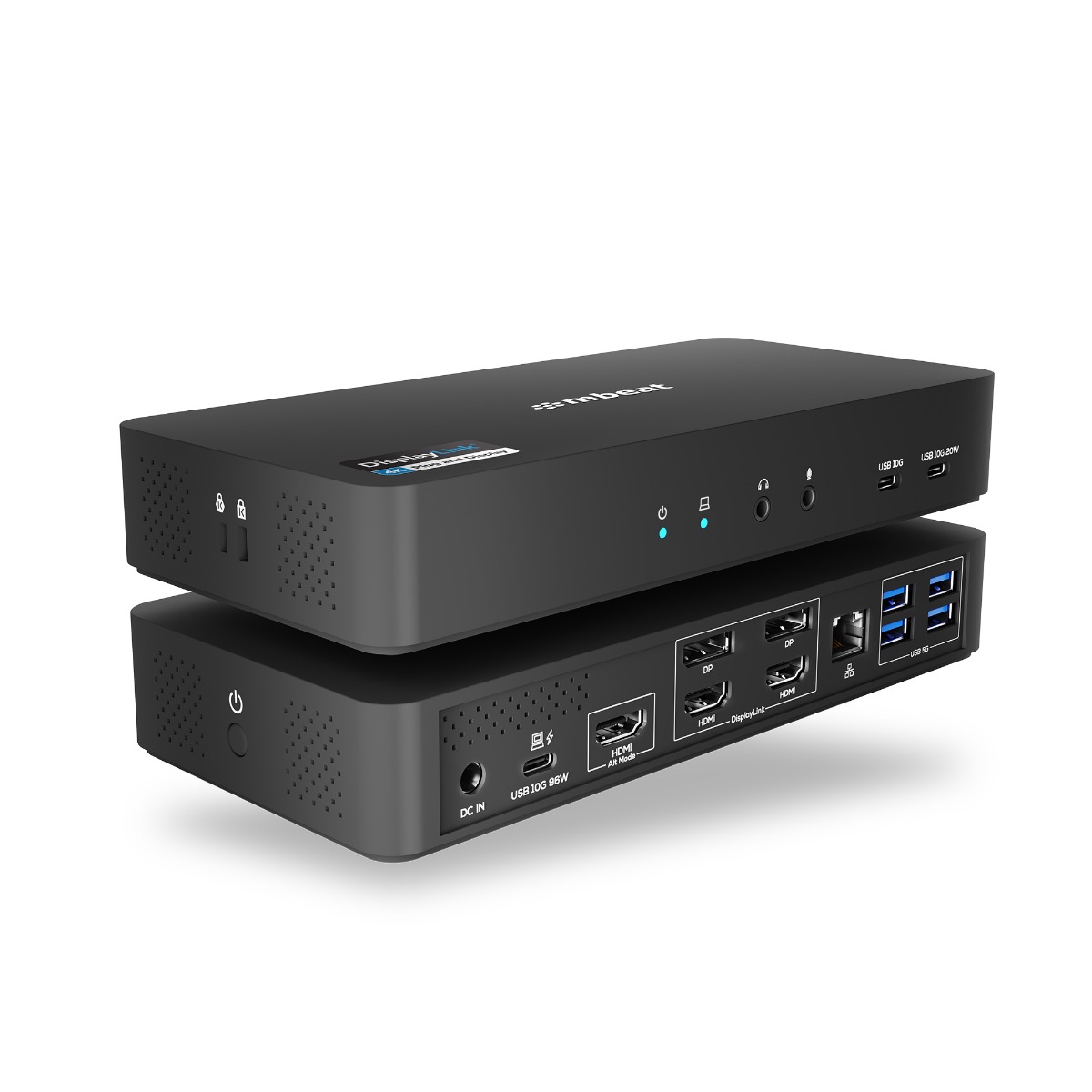
MB-DOCK-HDL18
USB-C Triple 4K Display Docking Station
Triple 4K@60Hz (DP-ALT & DisplayLink) · 96W PD · 135W PSU · K-Lock · 4K Certified
View Product →DisplayLink PRO — The Enterprise Tier
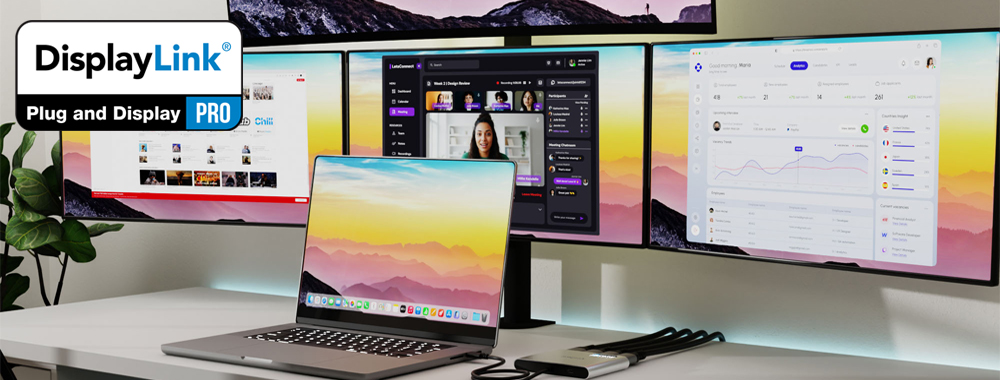
PRO is the top tier of the DisplayLink certification program. It certifies products with latest DL-7000 series chipset that support 1 x 8K or multi 4K display output, high-wattage power delivery, and a full suite of enterprise-grade connectivity — all from a single cable to the laptop. PRO products are designed for power users and organisations deploying standardised workstation setups at scale.
What it supports
1 x 8K or multiple 4K at 60Hz/120Hz output (four independent 4K displays). High-wattage PD Pass-through charging. Full USB hub with USB-C and USB-A ports. Designed for maximum peripheral density and maximum display count from a single connection.
Who it is for
Executives, power users, video editors, developers, and IT departments deploying standardised workstation builds. If you are running four monitors or need a single dock solution that covers every device in a mixed-fleet corporate environment, PRO is the tier to target.
The enterprise advantage
PRO products support every laptop regardless of brand, chip generation, or operating system. Deploy one SKU across your entire organisation and every employee plugs into the same dock — Mac, Windows, old USB-A machines, or the latest USB-C laptops. One solution, zero compatibility debates.
mbeat PRO Certified Product
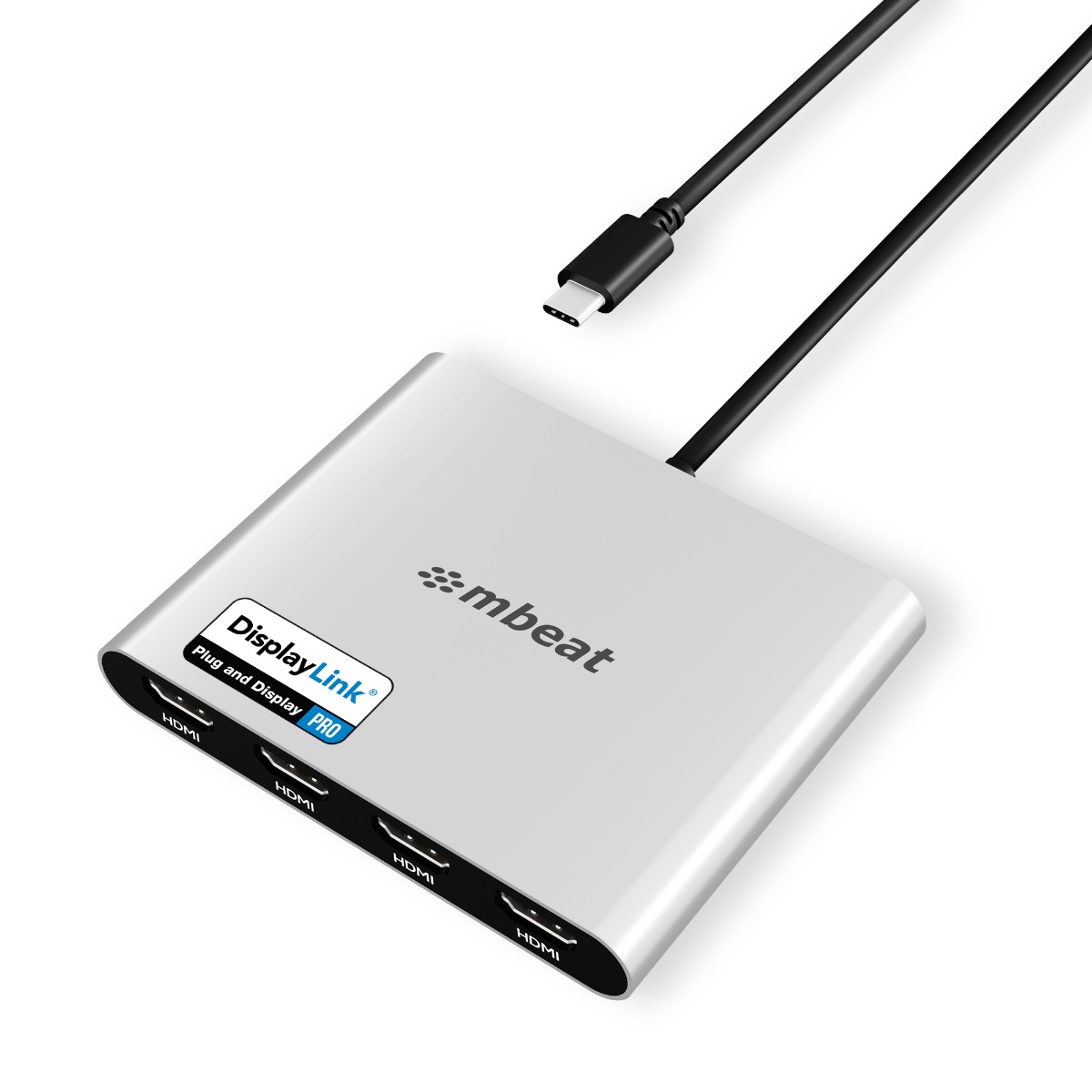
MB-DLA-CQ4H
USB-C Quad 4K HDMI DisplayLink® Adapter with PD Pass-through
Quad 4K@60Hz · 90W PD Pass-through · Mac M1/M2/M3 & Windows · PRO Certified
View Product →
Side-by-Side: All Three Tiers Compared
Here is how the three DisplayLink certification tiers compare across the key specifications:
| Specification | Plug and Display | 4K | PRO |
|---|---|---|---|
| Max resolution per display | 1080p@60Hz 2K@60Hz |
4K@60Hz | 1 x 8K 4K@60Hz/120Hz |
| Max display count | 2 | 2–3 | 4-6 |
| Mac M1/M2/M3 multi-monitor | Yes ✓ | Yes ✓ | Yes ✓ |
| Power delivery (PD) | Basic / varies | Up to 96W PD | Up to 96W PD |
| Works with USB-A laptops | Yes ✓ | Adapter models: USB-C only | USB-C only |
| Gigabit LAN | Yes (dock models) | Yes (dock models) | Varies by model |
| Ideal user | Office / admin | Professional / creative | Power user / enterprise |
| mbeat SKU | MB-DOCK-DLD20 | MB-DLA-CD2H, MB-DOCK-HDL18 | MB-DLA-CQ4H |
Which Badge Should You Choose?
I use standard office applications on two monitors and cost is important
Plug and Display is your tier. The MB-DOCK-DLD20 gives you dual 1080p output, Gigabit LAN, and USB hub ports — everything a productivity-focused worker needs, at the most accessible price point.
I have a Mac M1/M2/M3 and want dual 4K monitors
Go 4K — the MB-DLA-CD2H. Dual 4K@60Hz output with 90W PD Pass-through. Compact adapter form factor. The most popular choice for Mac professionals needing two sharp external displays.
I want a full docking station with triple displays and laptop charging
Go 4K — the MB-DOCK-HDL18. Triple 4K display output combining DP Alt Mode and DisplayLink, 96W Power Delivery, 135W PSU included, and a Kensington Lock slot for secure hot desk deployments.
I need four 4K monitors or I am deploying across a mixed-device enterprise fleet
PRO is your tier — MB-DLA-CQ4H. Quad 4K@60Hz from a single USB-C connection. Works on Mac M1/M2/M3 and Windows. The enterprise-grade choice for maximum display count and maximum device compatibility.
Frequently Asked Questions
Is DisplayLink Plug and Display suitable for Mac M1 and M2?
Yes. All three certification tiers — Plug and Display, 4K, and PRO — work on Mac M1, M2, and M3 with the DisplayLink Manager driver installed. Plug and Display supports dual monitors at 1080p. If you have 4K monitors or need more than two displays, step up to the 4K or PRO tier.
What is the difference between DisplayLink 4K and DisplayLink PRO?
Both tiers support 4K@60Hz resolution. The key difference is display count and power delivery capacity. The 4K tier typically covers dual or triple display setups. PRO certifies products capable of four 4K displays simultaneously — and is specifically designed for enterprise deployment where maximum display count and device compatibility are critical.
Do I need to install a different driver for each certification tier?
No. All DisplayLink certified products use the same DisplayLink Manager driver from Synaptics. Install it once on your Mac or Windows laptop and it works across Plug and Display, 4K, and PRO tier products without any additional setup.
Can I use a DisplayLink PRO adapter with a USB-A laptop?
PRO tier adapters like the MB-DLA-CQ4H connect via USB-C. If your laptop only has USB-A ports, the MB-DOCK-DLD20 (Plug and Display tier) supports both USB-C and USB-A connections. For a USB-A laptop needing more than two monitors, contact our Melbourne team to discuss the right configuration.
Are all mbeat DisplayLink products officially certified?
Yes. mbeat's DisplayLink products — the MB-DOCK-DLD20, MB-DOCK-HDL18, MB-DLA-CD2H, and MB-DLA-CQ4H — are all independently tested and certified under the official Synaptics DisplayLink Certified Logo Program. mbeat is one of the few Australian-operated brands with formally certified DisplayLink products across multiple tiers.
Continue Reading
Read Now
What is DisplayLink? Everything Mac and Windows Users Need to Know
New to DisplayLink? Start with our plain-English guide to the technology and why it solves the Mac multi-monitor problem.
Read Now
USB-C, DisplayPort Alt Mode, MST or DisplayLink — Which One Do You Actually Need?
Confused by the different connection standards? We compare them all in plain English.
