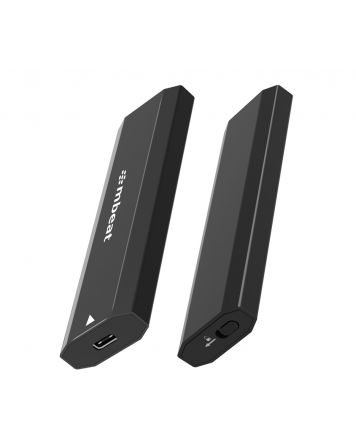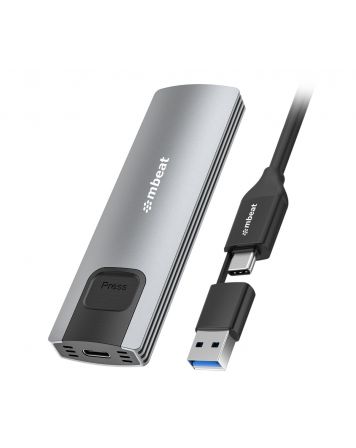
mbeat H1 USB 3.2 Gen2 10Gbps M.2 NVMe and SATA SSD Mini Dock
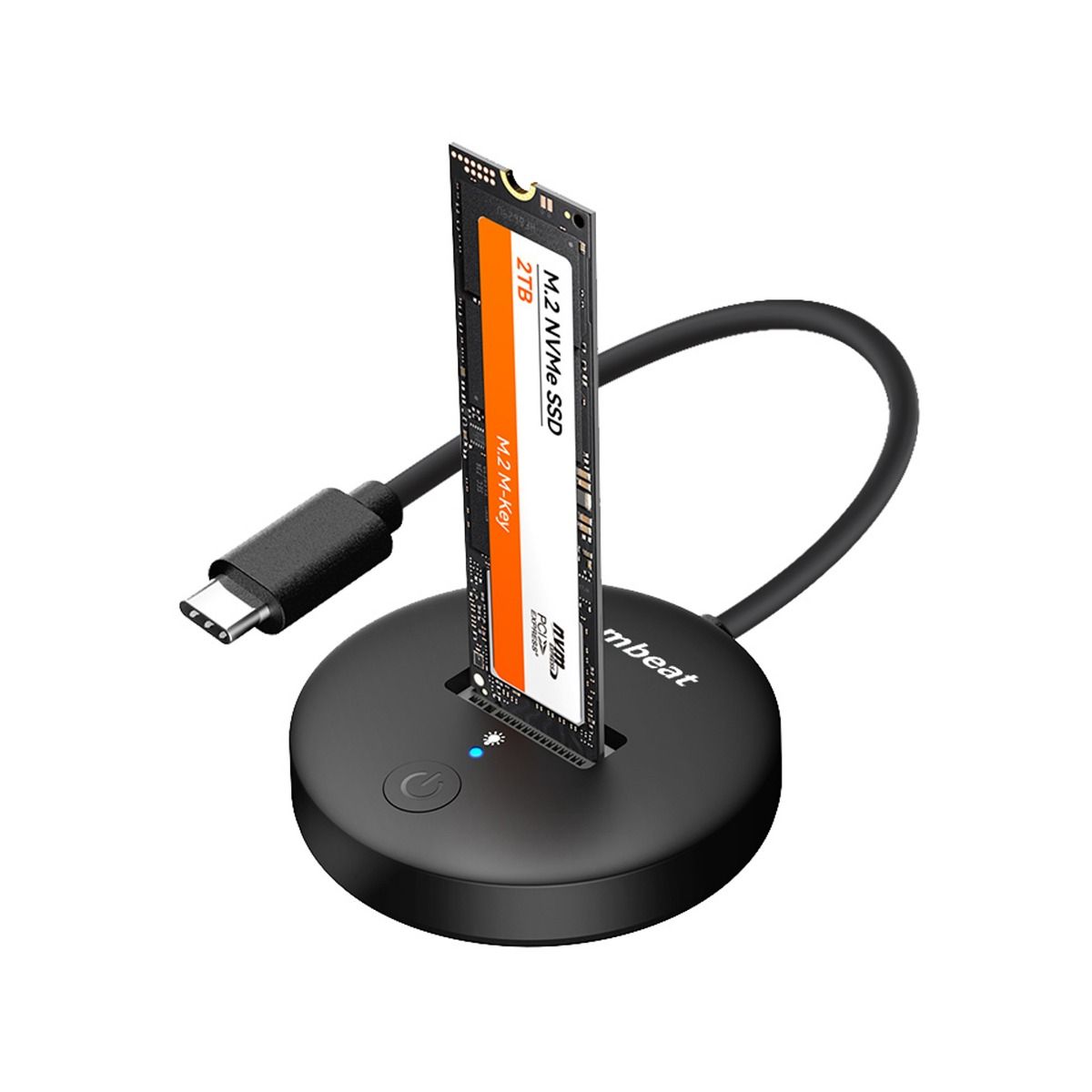
mbeat H1 M.2 NVMe SSD Mini Dock front view
$39.95

Description:

The mbeat H1 is a compact M.2 NVMe and SATA SSD mini dock with hot swap and plug-and-play access — no tools, no enclosure screws required. Transfer at up to 10Gbps via USB 3.2 Gen2 with open-frame design for instant SSD swaps and better heat dissipation.

  • Hot swap plug-and-play — no tools or shutdown required
  • Supports NVMe and SATA M.2 SSDs — B+M Key and M Key
  • All M.2 form factors: 2230 / 2242 / 2260 / 2280
  • USB 3.2 Gen2 10Gbps with UASP support
  • Plug-and-play on Windows and macOS — no driver needed


Effortless Connectivity: The mini dock design enables instant connection and disconnection of M.2 SSDs with hot plug-and-play functionality, while enhancing heat dissipation for optimal performance.

Seamless Compatibility: Perfectly fits B+M & M Key SATA/PCIe M.2 NVMe SSDs in 2230/2242/2260/2280 sizes, ensuring versatile storage solutions for various setups.

High-Speed Transfers: USB 3.2 Gen2 unleashes blazing-fast data transfer speeds of up to 10Gbps, facilitating quick and efficient file transfers, backups, and more.

Clear Monitoring: LED indicator provides clear visual cues for power status and data access, ensuring you stay informed at a glance.

Wide OS Support: Compatible with a broad range of operating systems including Windows 2000/2003/XP/Vista/7/8/8.1/10/11 and Mac OS, offering versatility and compatibility across various devices and platforms. 

USB Port: USB-C 3.2 Gen2

Data Speed: Maximum up to 10Gbps

USB Compatibility: Backward compatible with USB 3.1/3.0/2.0

Controller IC: RTL9210B

SSD Interface: B+M & M Key SATA/PCIe & NVMe SSD

Supports SSD Size: 2230/2242/2260/2280

Supports UASP and hot plug and play

Supports OS: Windows 2000/2003/XP/Vista/7/8/8.1/10/11/MAC OS • Cable Length: Built-in 15cm cable

Product Dimension (with Cable): 237mm × 60mm × 14.5mm

Product Weight (with Cable): 37.8g

Package Contents: M.2 SSD Mini Dock, User Manual 

Frequently Asked Questions — MB-HDD-M2H1BK

Q1: What is the difference between the mbeat H1 Mini Dock and a traditional M.2 SSD enclosure?

The H1 uses an open-frame dock design rather than a sealed enclosure. This means you can insert and remove M.2 SSDs instantly without tools, screws, or disassembly — making it ideal for IT technicians testing multiple drives, photographers swapping camera SSDs, or developers switching between project drives. The open frame also improves heat dissipation compared to sealed enclosures.

Featurembeat H1 Mini DockTraditional M.2 Enclosure
SSD Access Instant — no tools required Screws and disassembly required
Hot Swap Yes — plug-and-play Typically no
Heat Dissipation Open frame — better airflow Sealed — heat retained
Best For Frequent SSD swaps, testing, IT workflows Permanent portable storage

Q2: What is the difference between the mbeat H1 and H3 M.2 SSD docks?

The H1 is a compact single-slot mini dock designed for fast, portable single-SSD access at 10Gbps. The mbeat H3 is a dual-slot dock with USB 3.2 Gen2x2 (20Gbps) and built-in offline clone capability, making it the better choice for SSD upgrades, backups, and IT deployment workflows.

Featurembeat H1 (MB-HDD-M2H1BK)mbeat H3 (MB-HDD-M2H3CL)
SSD Slots 1 (single) 2 (dual)
Max Transfer Speed 10Gbps 20Gbps (one SSD) / 10Gbps each (two SSDs)
Offline Clone No Yes — no PC required
SATA Support Yes — NVMe and SATA NVMe and AHCI only
Best For Portable single-SSD access, hot swap Cloning, upgrading, backup, IT workflows

Q3: Which M.2 SSD types and form factors are compatible with the MB-HDD-M2H1BK?

The H1 supports both NVMe (PCIe) and SATA M.2 SSDs, covering the two most common M.2 protocols. It accommodates B+M Key and M Key drives across four standard form factors.

SpecificationSupported
SSD Protocols NVMe (PCIe) and SATA
Key Types M Key and B+M Key
Form Factors 2230 / 2242 / 2260 / 2280

⚠️ Note: The H1 does not support the 22110 form factor. If you require 22110 compatibility, please refer to the mbeat H3 (MB-HDD-M2H3CL). The H1 also does not support standard 2.5″ SATA HDDs or SSDs.

Q4: What are the data transfer speeds and what do I need to achieve them?

The H1 uses a RTL9210B controller and USB-C 3.2 Gen2 interface delivering up to 10Gbps. It also supports UASP (USB Attached SCSI Protocol), which reduces latency and CPU overhead for faster real-world transfer performance compared to standard USB bulk transfer mode.

SpecDetail
Interface USB-C 3.2 Gen2
Max Transfer Speed Up to 10Gbps
UASP Support Yes
Backward Compatible USB 3.1 / 3.0 / 2.0

⚠️ Host Port Requirement: Your laptop or PC must have a USB 3.2 Gen2 port to achieve maximum 10Gbps speeds. Connecting via USB 3.0 or 2.0 will limit speeds to that port’s capability.

Q5: Does the H1 require a driver? Is it compatible with Windows and macOS?

No driver installation is required. The H1 is fully plug-and-play on both Windows and macOS — connect via the built-in 15cm USB-C cable and your operating system will recognise the SSD automatically. The LED indicator will confirm power and data access status.

Operating SystemSupported Versions
Windows 2000 / 2003 / XP / Vista / 7 / 8 / 8.1 / 10 / 11
macOS Mac OS X and above (plug-and-play, no driver required)

Q6: Does the H1 support hot swapping? Can I swap SSDs without restarting my computer?

Yes. The H1 supports hot plug-and-play, meaning you can insert and remove M.2 SSDs while your computer is running — no restart required. This is one of the H1’s key advantages over traditional enclosures and makes it particularly useful for IT technicians, data recovery professionals, and anyone who regularly works with multiple drives.

⚠️ Best Practice: Always use your operating system’s “Safely Remove Hardware” (Windows) or “Eject” (macOS) function before physically removing an SSD to prevent data loss or file system errors.

Q7: What is included in the box?

ItemDetails
M.2 SSD Mini Dock mbeat H1 with built-in 15cm USB-C cable
User Manual Printed quick-start guide

⚠️ Note: The H1 is bus-powered via USB — no separate power supply is required. Power is drawn directly from your laptop or PC’s USB port.